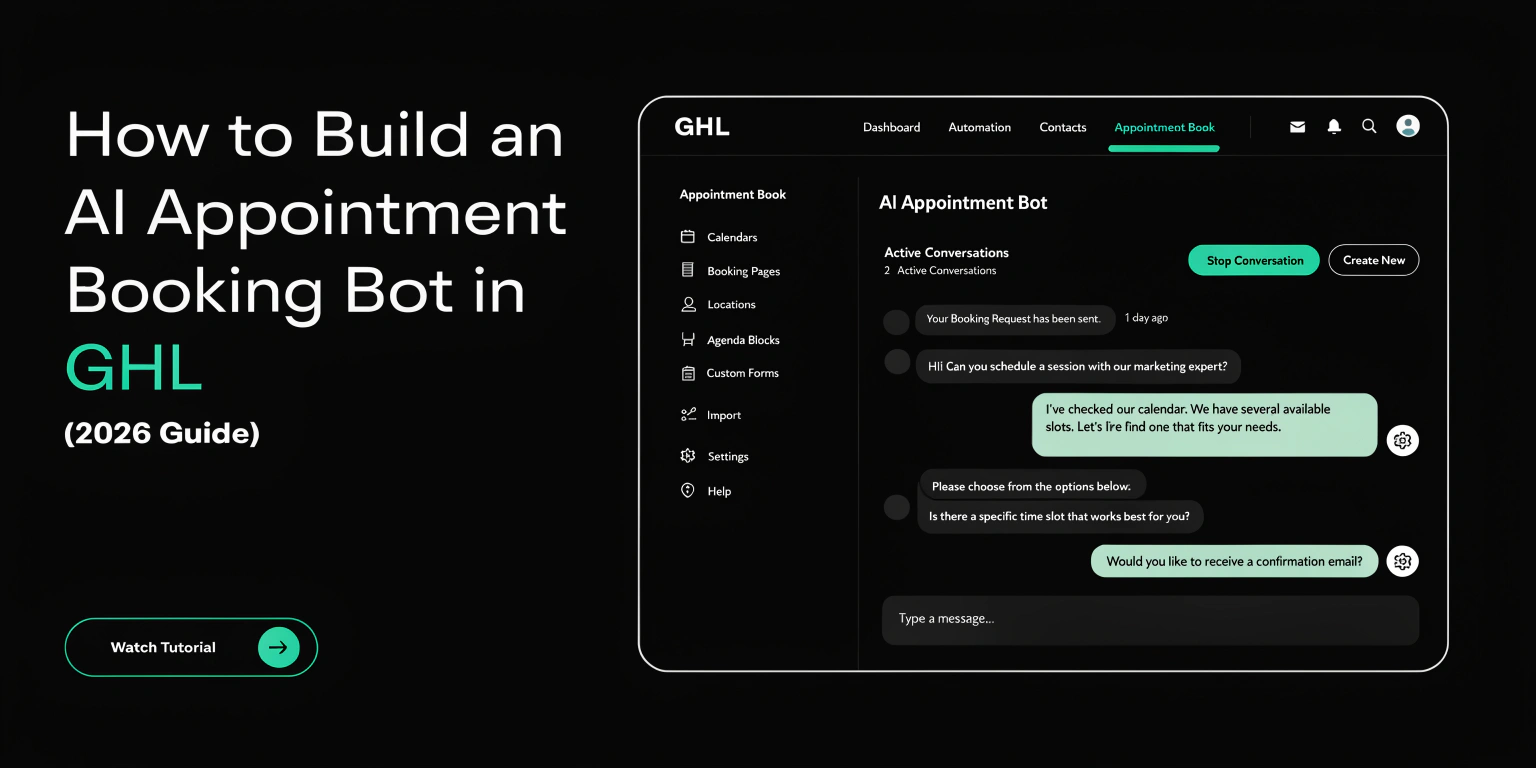
How to Build an AI Appointment Booking Bot in GHL (2026 Guide)
In 2026, manual booking is too slow. If a lead has to wait 10 minutes for a reply, they are already looking at your competitor. This is why GHL Conversation AI is a game-changer.
You can now build a “Bot” that acts like a real person. It talks to leads, answers their questions, and puts them on your calendar. Here is how to set it up.
What is Conversation AI in GHL?
Conversation AI is a tool inside GoHighLevel. It uses smart technology (like ChatGPT) to understand what people type.
Unlike old bots, it does not just follow a script. It can handle “small talk.” If a lead asks, “Do you have parking?” the AI answers correctly before asking for the booking.
Read this: WordPress to GoHighLevel: Moving Your Entire Ecosystem in 2026
The Benefits of AI Workflows
Using AI inside your GHL workflows offers three big wins:
How the AI Booking Workflow Works
A 2026 AI workflow has a simple path. It looks like this:
| Step | Action | Description |
| 1 | The Trigger | A lead sends a message (SMS or FB Messenger). |
| 2 | The AI Brain | GHL reads the message and checks your FAQ. |
| 3 | The Reply | The AI sends a friendly, helpful response. |
| 4 | The Goal | The AI asks the lead to pick a time on the calendar. |
| 5 | The Result | The appointment is booked and the workflow stops. |
Step-by-Step: Setting Up Your AI Bot
Step 1: Train Your Bot
Before you turn it on, you must give the bot “Knowledge.”
Step 2: Choose Your “Personality”
Do you want your bot to sound like a professional lawyer or a friendly gym coach?
Step 3: Create the Workflow
Now, go to the Automation tab and follow these steps:
Advanced Feature: The “Human Handover”
Even in 2026, AI isn’t perfect. Sometimes a lead wants to speak to a real person.
You can set a “Human Handover” trigger. If the lead gets angry or asks for a “real human,” the AI stops immediately. GHL then sends a notification to your phone so you can take over.
Pro Tip: Always set a “Message Limit.” Tell the AI to stop after 10 messages. This prevents the bot from talking forever if the lead is just playing around.
Read this: X (Twitter) and GoHighLevel Integration: The 2026 Automation Workflow
Comparing Content AI vs. Conversation AI
Many GHL users get these two confused. Here is the difference:
Tips for a Better Booking Rate
To get more appointments, follow these rules:
Frequently Asked Questions (FAQs)
Does Conversation AI work on WhatsApp?
Yes. In 2026, GHL AI works on SMS, Facebook, Instagram, Google My Business, and WhatsApp.
How much does the AI cost?
GHL usually charges a small fee per AI message. You can also rebill this to your clients to make a profit.
Can the AI book for multiple team members?
Yes. You can link the bot to a “Round Robin” calendar. It will distribute the leads fairly among your staff.
What if the lead says “No”?
The AI is smart. If the lead says “not now,” the AI can add a tag like “Follow up later” and exit the workflow gracefully.
Summary
AI Appointment Booking is the future of lead conversion. By using GHL Conversation AI, you remove the “wait time” for your customers. You book more meetings while you sleep, and your agency looks more professional.