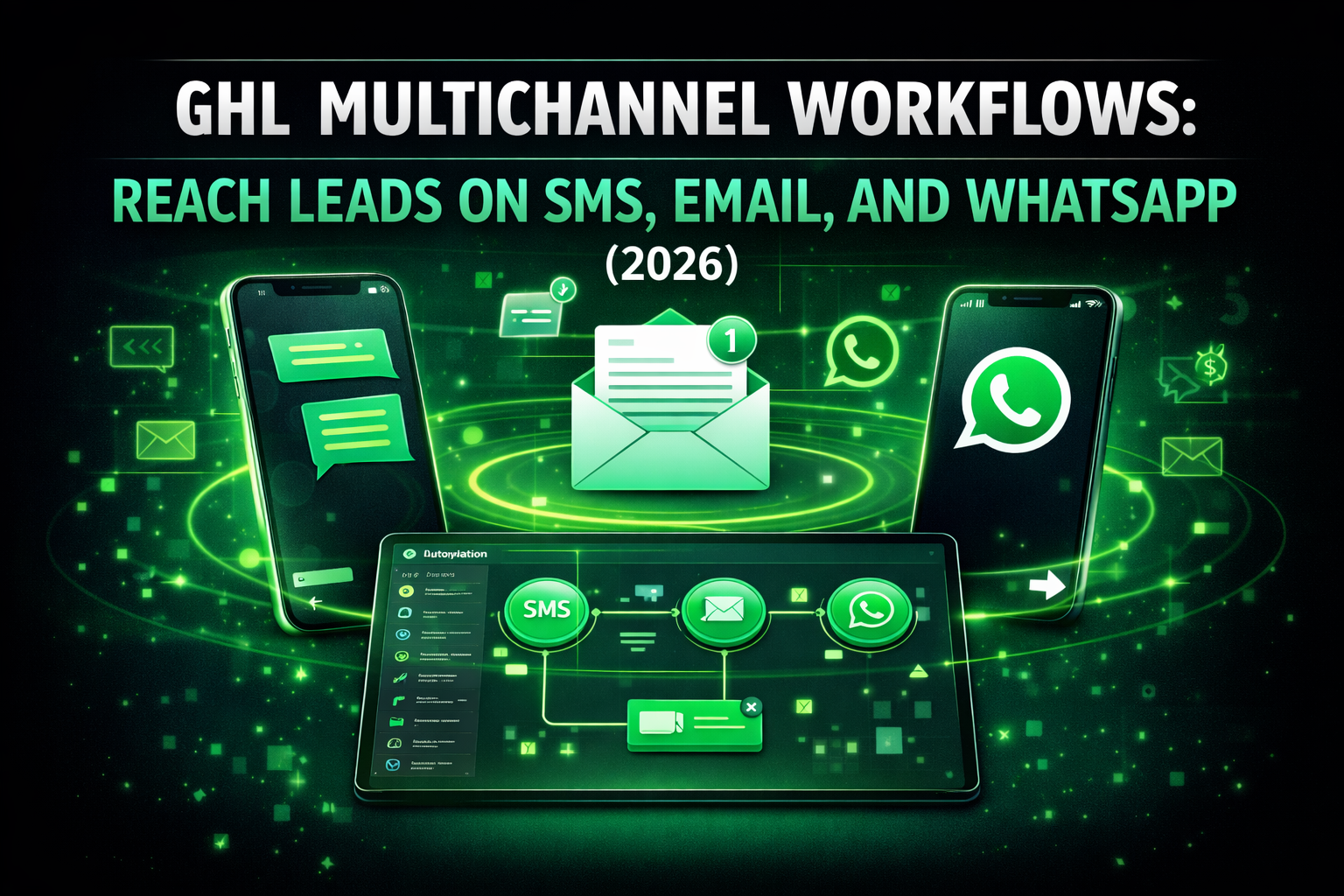
GHL Multichannel Workflows: Reach Leads on SMS, Email, and WhatsApp (2026)
In 2026, people are busy. They might miss an email, but they will see a WhatsApp message. They might ignore a phone call, but they will read a text.
To win in 2026, you must use Multichannel Workflows. This means your GHL system talks to leads wherever they are. This guide explains how to build a “follow-up engine” that nobody can ignore.
What is Multichannel Marketing?
Multichannel marketing is sending your message through different “channels.” Instead of sending five emails, you send:
GHL makes this easy because all these tools are inside one “Automation” tab.
Read this: GHL Local SEO Automation: How to Rank Your Clients on Google Maps (2026)
The “Triple Threat” Follow-Up Recipe
Here is a proven 2026 workflow for new leads. It uses three channels over 48 hours to get a 70% response rate.
| Time | Channel | The Goal |
| Minute 1 | SMS | The “Instant Hello.” (e.g., “Hi [Name]! Thanks for reaching out.”) |
| Minute 5 | The “Deep Dive.” Send a video or a brochure of your work. | |
| Day 2 | The “Soft Check-in.” (e.g., “Hey! Did you get a chance to see my email?”) |
Setting Up WhatsApp in Your Workflows
In 2026, WhatsApp is the most powerful tool in GHL. Unlike SMS, WhatsApp allows you to send long messages, high-quality photos, and even PDFs.
How to Add WhatsApp to GHL:
Pro Tip: In 2026, use WhatsApp Flows. This allows customers to book an appointment or pay a deposit without leaving the WhatsApp chat.
Using “Wait for Reply” Logic
The secret to a smart multichannel workflow is knowing when to stop. You don’t want to text someone if they already replied to your email.
How to set it up:
3 Benefits of Multichannel Automation
Advanced 2026 Feature: Multi-Lingual Transcription
If you have a global agency, GHL now automatically detects the language of your leads.
If a lead replies in Spanish, the Conversation AI can reply in Spanish. If they call you, GHL transcribes the call in their native language. This allows you to scale your workflows into any country without hiring a translator.
Common Mistakes to Avoid
Frequently Asked Questions (FAQs)
Does GHL charge extra for WhatsApp?
Yes. WhatsApp has a small per-message fee charged by Meta. You can “rebill” this to your clients to make a profit.
Can I send voice notes in a workflow?
Yes! In 2026, you can upload an audio file to a workflow and send it as a “Ringless Voicemail” or a WhatsApp voice note.
Is SMS still better than WhatsApp?
It depends on the country. In the USA, SMS is still king. In Europe, South America, and Asia, WhatsApp is much more effective.
What if my lead doesn’t have WhatsApp?
GHL is smart. You can set a condition: “If WhatsApp is not active, send SMS instead.” This ensures your message always arrives.
Read this: GHL Advanced Builder: How to Use the New Visual Canvas (2026)
Summary
Multichannel workflows are the standard for 2026. By combining Email, SMS, and WhatsApp, you create a “safety net” for your leads. No matter how they prefer to talk, your business is there to answer.