GHL Advanced Builder: How to Use the New Visual Canvas (2026)
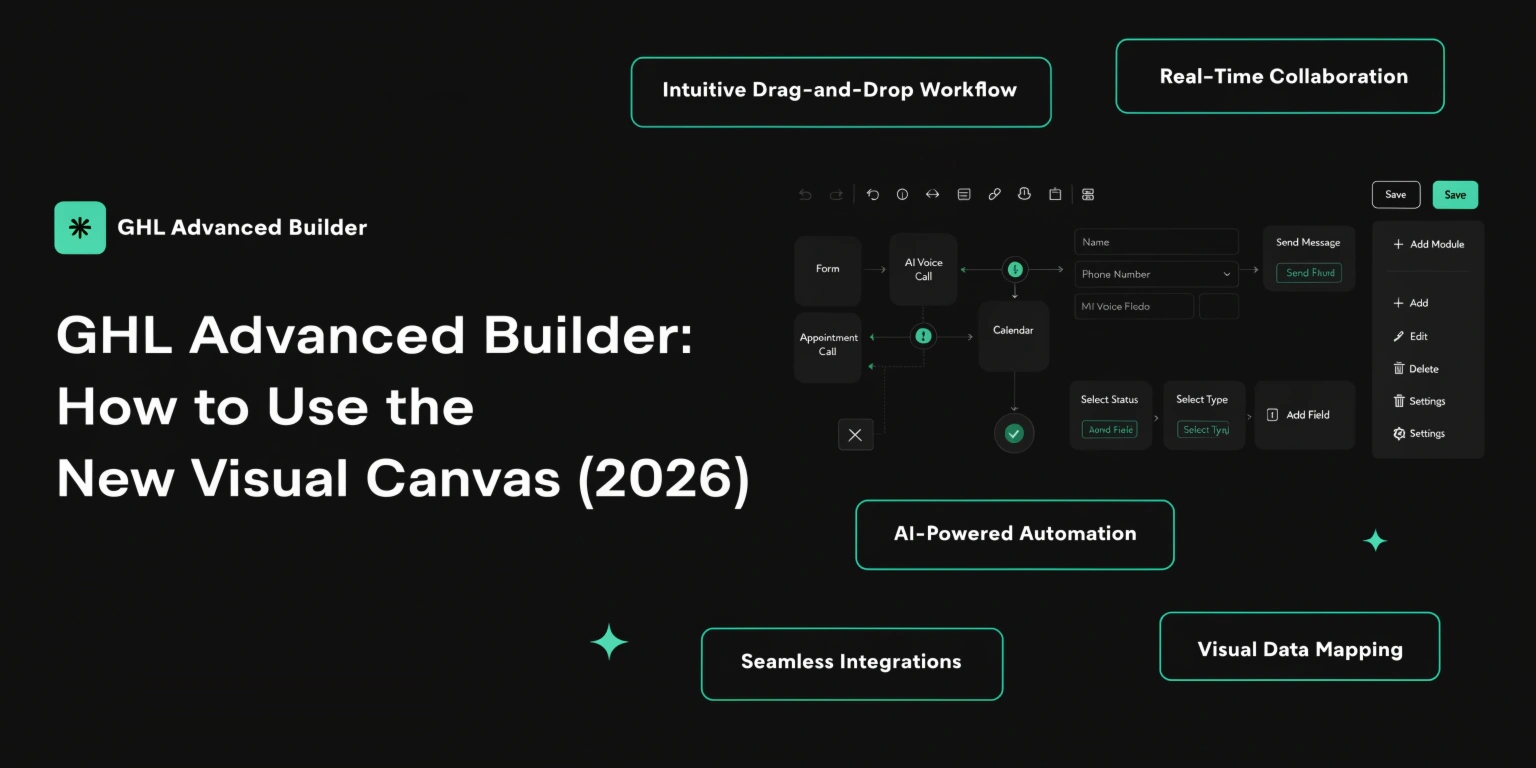
In early 2026, GoHighLevel changed the way we build automations. Before, workflows were just a long list of steps. Now, we have the Advanced Builder. It is a visual canvas where you can drag and drop your logic like a map.
If you want to stay ahead of other agencies, you need to master this new view. Here is how it works and why it matters for your business.
What is the Advanced Workflow Builder?
The Advanced Builder is a “freeform” way to design. Instead of one straight line, you can see multiple paths side-by-side.
Think of it like a whiteboard. You can place different triggers in different corners and connect them to the same actions. It makes complex agency systems much easier to understand at a glance.
Read this: GHL Workflow Troubleshooting: How to Fix and Optimize Your Automations
Key Features of the 2026 Builder
GHL added several tools to this canvas to save you time.
Standard vs. Advanced Builder
Which one should you use? Here is a quick comparison.
| Feature | Standard Builder | Advanced Builder (2026) |
| View | Vertical List | Visual Canvas (Map) |
| Triggers | Single Start Point | Multiple Start Points |
| Editing | Linear | Drag and Drop |
| Notes | Hidden in settings | Visible Sticky Notes |
| Best For | Simple auto-replies | Complex Agency Systems |
3 Pro Strategies for the Visual Canvas
The “Multi-Trigger” Launch
In 2026, you can have one workflow start from many different places.
Organizing with Color-Coding
Use the new color-coding tool to help your team.
Using “Go-To” Triggers
Sometimes you don’t want a lead to start at Step 1. With the new Go-To Trigger, you can tell GHL: “If the lead comes from TikTok, skip the intro and go straight to Step 5.”
Step-by-Step: Moving to the Advanced View
Ready to try it? Follow these steps:
Common Questions about the New Builder
Will switching to Advanced Builder break my old workflows?
No. GHL allows you to switch back and forth. However, it is always a good idea to duplicate your workflow before making big changes to the layout.
Can I have two different goals on one canvas?
Currently, GHL recommends one main “Goal” per workflow. If you have two very different goals, it is still better to keep them in separate workflows.
Is the Advanced Builder faster?
Yes. Because you can copy and paste nodes using keyboard shortcuts, you can build a 10-step sequence in about half the time it used to take.
Can my team see my Sticky Notes?
Yes! This is great for collaboration. You can leave a note saying, “Hey Sarah, please update the copy for this email,” and she will see it right where the email sits.
Read this: How to Scale Your Agency with GHL SaaS Mode (2026 Guide)
Final Thoughts
The 2026 Advanced Builder is the biggest update to GHL in years. It turns you from a “writer of lists” into a “Designer of Systems.” Start using the visual canvas today to see your agency logic more clearly and find errors faster.