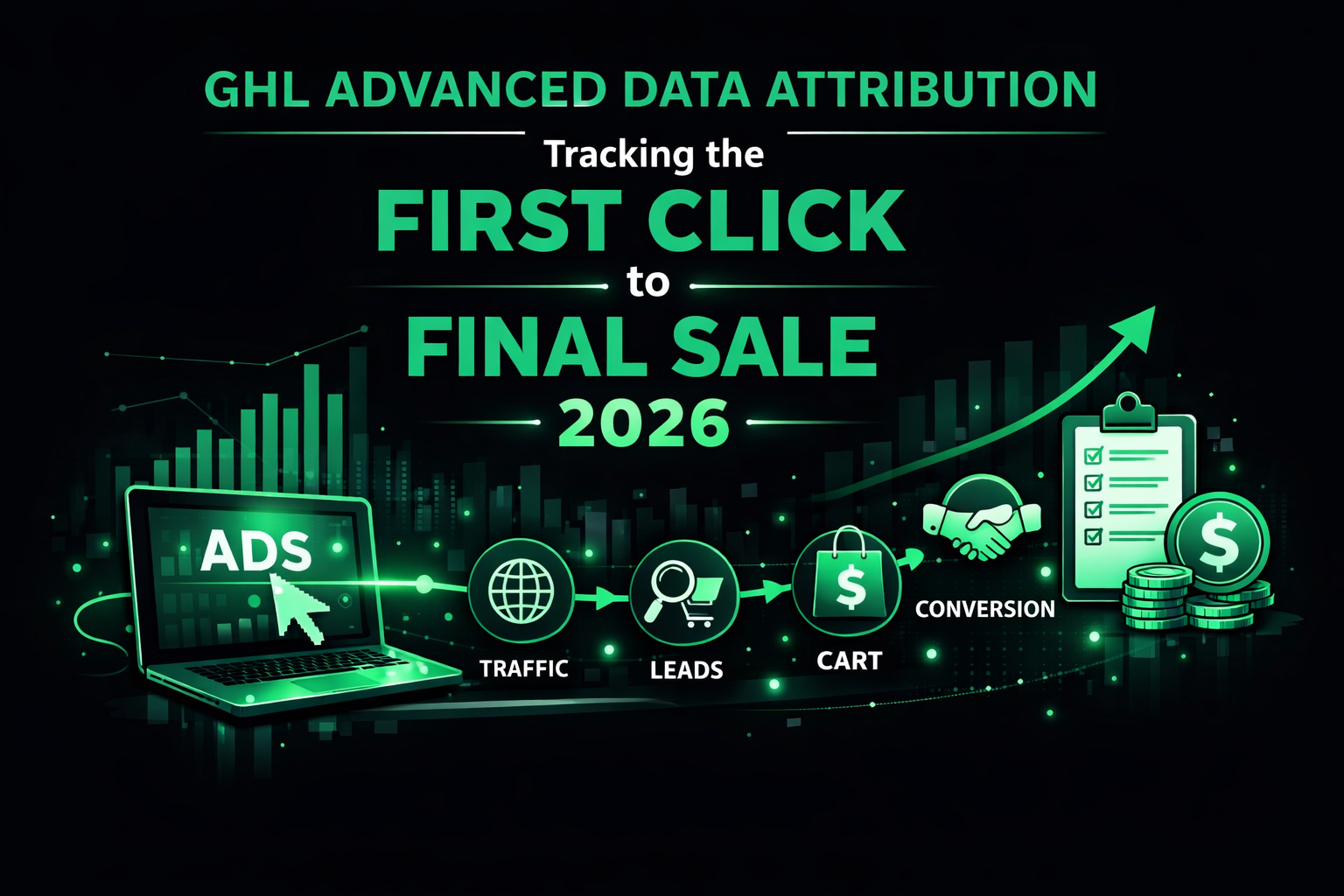
GHL Advanced Data Attribution: Tracking the “First Click” to “Final Sale” (2026)
In the high-speed agency world of 2026, clients are tired of hearing “we got you 50 leads.” They want to know which specific ad, blog post, or Google Map pin resulted in a high-ticket sale.
If you aren’t using advanced attribution, you are essentially driving with your eyes closed. By syncing your tracking data across your GHL Local SEO Automation and your GHL Multichannel Workflows, you can prove your worth and keep clients for years.
Why Attribution Matters in 2026
Modern buyers are “omnichannel.” They might find you through a local search, visit your website, get an automated text, and then finally buy after seeing a retargeting ad.
Setting Up the “Tracking Stack”
The UTM Parameter Engine
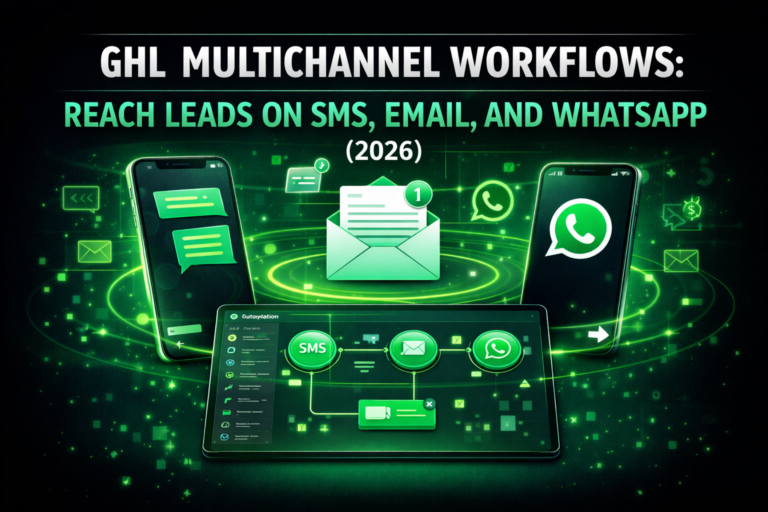
Every link you send in your GHL Multichannel Workflows must have a UTM tag. This tells GHL: “This lead clicked the link in the Day 2 SMS.”
Local SEO Attribution
Are your Google Maps efforts working? By integrating your GHL Local SEO Automation with unique tracking numbers, you can differentiate between a “Direct Call” from a Map pin and a “Website Call.”
The “Closed-Loop” Reporting Workflow
In 2026, your workflows should do more than send messages; they should update your data.
Frequently Asked Questions (FAQs)
What if a lead clears their cookies?
GHL uses Fingerprinting and Email Matching in 2026. Even if a lead switches from their laptop to their phone, GHL can usually “stitch” the session together once they enter their email address.
Can I track offline sales?
Yes. If a lead walks into a physical store and mentions a code from your GHL Multichannel Workflows, you can manually update the opportunity in the GHL App to attribute that sale to the specific campaign.