Mastering GHL Workflow: The 2026 Guide to Business Automation
Success in modern marketing depends on speed. If you do not reply to a lead quickly, you lose them. This is where the ghl workflow becomes your most valuable employee.
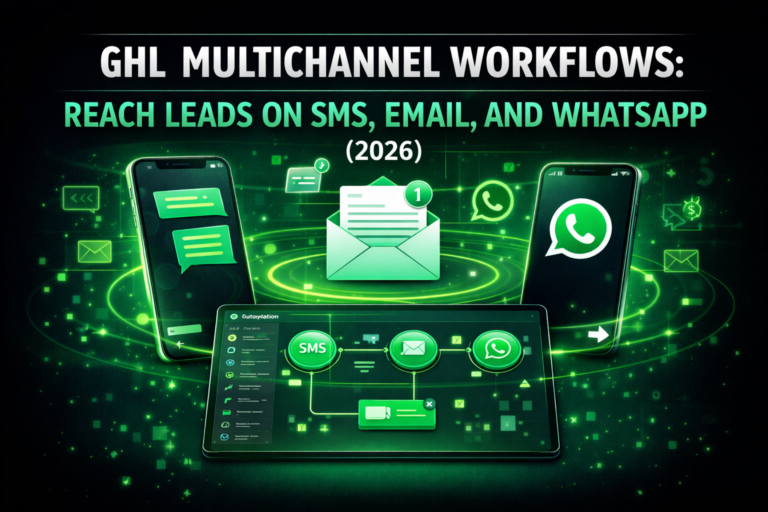
A workflow is a series of automated steps. It starts with a trigger and follows with actions. In 2026, these systems are smarter than ever before. They allow you to handle thousands of leads without extra staff.+1
What is a GHL Workflow?
At its core, a workflow is a “brain” for your business. It watches for a specific event, like a form submission. Once that event happens, it follows your instructions.
You can send a text message or update a pipeline. You can even notify your sales team in real-time. This ensures no lead is ever forgotten.
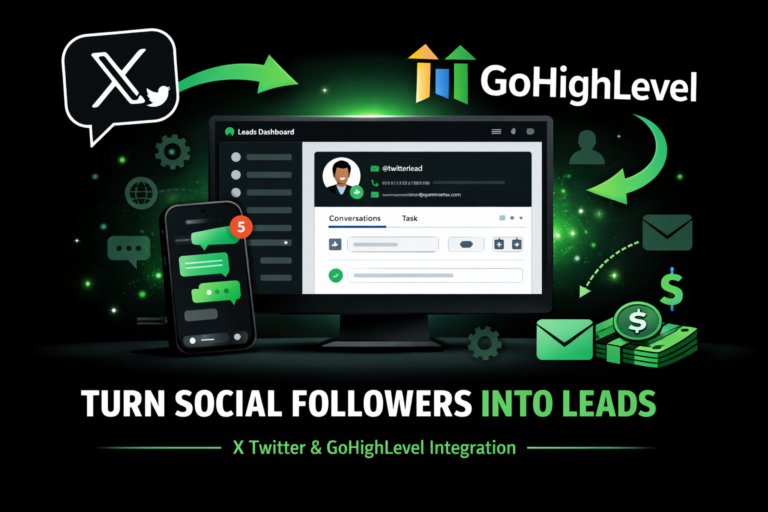
Read this: X (Twitter) and GoHighLevel Integration: The 2026 Automation Workflow
Why You Should Use Native GHL Automations
Many people use Zapier to connect different apps. However, native GoHighLevel workflows are often better. They are faster because they live inside your CRM.
Native workflows also save you money. You do not have to pay for “tasks” or “zaps.” Everything is included in your monthly subscription.
Understanding Triggers and Actions
To build a great automation, you must understand two things. These are the building blocks of every system.
Comparison: GHL Workflows vs. External Tools
| Feature | GHL Native Workflows | Zapier / Make.com |
| Cost | Free (Included) | Per Task Fee |
| Speed | Instant | 1-5 Minute Delay |
| Logic | Advanced If/Else | Linear (Basic Plans) |
| Setup | Visual Builder | Field Mapping Required |
Advanced Logic: Using If/Else Branches
Modern workflows are not just a straight line. They can make decisions. You can use If/Else logic to create different paths for different leads.
For example, if a lead has a “High Intent” tag, you can send them a direct calendar link. If they are a cold lead, you can send them a helpful blog post instead. This makes your marketing feel personal.
How to Build a Missed Call Text-Back Workflow
One of the best uses for a ghl workflow is the missed call text-back. This one simple automation can save your business thousands of dollars.
Leveraging the Power of Workflow AI
In 2026, GoHighLevel added Workflow AI features. You can now use AI to read a lead’s response. The AI can tell if the lead is “Interested” or “Not Interested.”
If the lead is happy, the AI can book them into your calendar. If they have a question, the AI can answer it using your custom business data. This provides 24/7 customer service.
Read this: WordPress to GoHighLevel: Moving Your Entire Ecosystem in 2026
Best Practices for High Readability
When you build your content, keep it simple. Search engines like Google now look for “Experience” and “Expertise.”
Use short sentences. Avoid big words that make the text hard to read. Use bullet points and tables to break up the information. This helps readers find what they need quickly.
Troubleshooting Common Workflow Issues
Sometimes, a workflow might not work as expected. Most of the time, the fix is very simple.
Semantic Keywords to Include
To rank better, you should mention related terms. These help search engines understand your topic. Use words like:
Frequently Asked Questions (FAQs)
Can I move my old GHL Campaigns to Workflows?
Yes. GoHighLevel has a migration tool. It allows you to move all your old email and SMS campaigns into the new workflow builder easily.
Do I need to be a coder to use GHL Workflows?
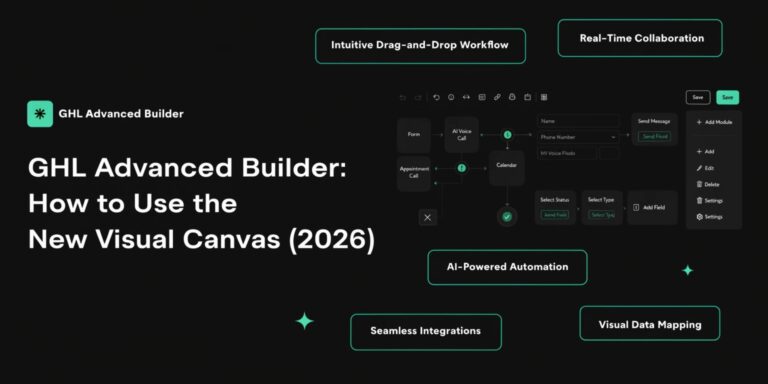
No. The builder is completely visual. You just drag and drop the steps you want to happen.
Can I test my workflow before it goes live?
Yes. Use the “Test Workflow” button. You can pick a contact and see exactly how the automation will behave for them.
Conclusion
The ghl workflow is the ultimate tool for modern business growth. It saves time, reduces errors, and helps you close more sales. By starting with simple triggers and adding smart logic, you can build a business that runs itself.