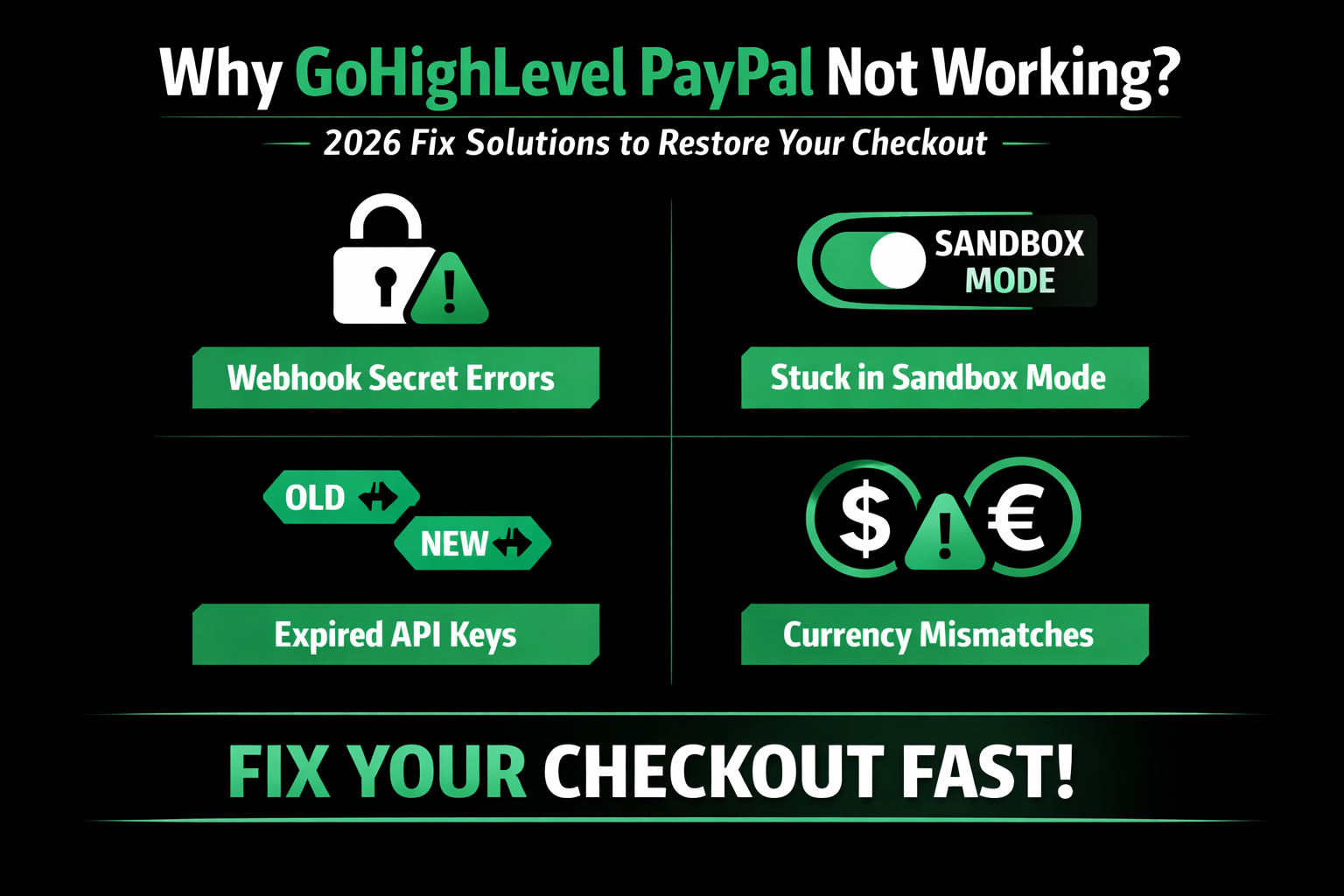
Why Your GoHighLevel PayPal Integration is Failing in 2026
Nothing hurts a business more than a broken checkout page. If you are searching for why gohighlevel paypal not working, chances are you are losing real sales right now. In 2026, payment security is tighter, customers are impatient, and even a small error can destroy trust.
Buyers expect a smooth checkout experience. The moment they see an error, they leave — and most never come back. This guide will walk you through the exact reasons your payment integration may be failing and how to fix it quickly so you can start collecting revenue again.
Why GoHighLevel PayPal Not Working Can Cost You More Than You Think
A failed transaction is not just a minor glitch — it is lost revenue, wasted ad spend, and damaged credibility.
When your checkout breaks inside GoHighLevel, most customers will not report the issue. They simply close the tab. That means:
Even a short outage can cut conversions by 30–50%. That is why fixing this issue immediately is critical.
Read this: Why is GoHighLevel Calandar Not Working on Macbook? (2026 Fix)
Top Reasons Why GoHighLevel PayPal Not Working in 2026
There are several common causes behind PayPal integration failures. Most of them are simple configuration issues.
Webhook Secret Mismatch
A webhook acts like a digital messenger between PayPal and your CRM. When a customer completes payment, PayPal sends a signal to confirm the sale.
If the webhook secret does not match:
This is one of the most common reasons integrations silently fail.
Sandbox Mode Still Enabled
During setup, most users test checkout in “Sandbox” mode. That is fine for testing — but it does not process real payments.
If you forget to switch to “Live” mode:
Before launching any campaign, always confirm your account is set to Live.
Incorrect or Expired API Credentials
Security updates in 2026 require developers to refresh API credentials periodically.
If your:
Your checkout will fail instantly.
Read this: Why I Switched From ManyChat and ConvertKit to GoHighLevel
PayPal Business Permissions Not Enabled
You must use a PayPal Business account to integrate properly. If the required API permissions are not granted:
Always confirm your business account permissions are active.
Read this: SEC Compliance & Text Archiving in GoHighLevel (2026 Regulatory Guide)
Currency Mismatch Issues
If your PayPal account is configured for USD but your funnel charges in EUR or GBP, the transaction may be blocked.
To fix this:
This is especially important for international businesses.
Step-by-Step Fix: Resolve Why GoHighLevel PayPal Not Working
Follow this structured process to repair your integration:
Log Into PayPal Developer Dashboard
Go to “My Apps & Credentials.”
Create a New App (If Needed)
If your app is over a year old, create a new one for 2026 security compliance.
Copy Live API Keys
Copy your Live Client ID and Secret Key carefully. Avoid extra spaces.
Update Inside GoHighLevel
Navigate to:
Settings → Payments → Integrations → PayPal
Paste the new credentials and save.
Reconfigure the Webhook
Copy the Webhook URL from your CRM and paste it into your PayPal app settings.
Enable checkout and vault events.
Switch to Live Mode
Double-check both PayPal and your funnel are in Live mode.
Run a Test Transaction
Complete a small real payment to confirm everything triggers correctly.
PayPal vs. Stripe in GoHighLevel (2026 Comparison)
Many businesses choose PayPal, but it is smart to have a backup.
| Feature | PayPal | Stripe |
|---|---|---|
| Setup Speed | Moderate (API setup) | Fast (Simpler connection) |
| Subscription Handling | Good | Excellent |
| Customer Trust | Very High | High |
| Common Errors | Webhook mismatch | 3D Secure failures |
| Fees | ~2.9% + $0.30 | ~2.9% + $0.30 |
Stripe is often preferred for recurring billing, while PayPal offers stronger brand trust with certain audiences.
Advanced Troubleshooting Tips
If your checkout is still failing, check for:
Sometimes the issue is not PayPal at all — it may be a workflow or automation misfire.
When to Contact GoHighLevel Support
If you have:
And the issue persists, it may require technical investigation.
Professional support can:
Often, experienced technicians resolve these issues in under 30 minutes.
Frequently Asked Questions
Can I use a personal PayPal account?
No. A Business account is required for API functionality.
Why does my checkout show “Invalid Client ID”?
You are likely using incorrect or Sandbox keys instead of Live keys.
How can I test without spending money?
Use Sandbox mode with test card numbers from the PayPal developer portal.
Is it safe to share my Secret Key?
Only share it with trusted developers. Treat it like a password.
Does GoHighLevel charge transaction fees?
No. You only pay the standard fees charged by PayPal or Stripe.
Conclusion: Fix Why GoHighLevel PayPal Not Working and Restore Revenue
Your checkout is the heartbeat of your funnel. When it breaks, your business stops generating income.
Now you understand the real reasons behind why gohighlevel paypal not working — from webhook mismatches to expired API keys and Sandbox errors.
Most problems are simple once you know where to look. Review your credentials, confirm Live mode, verify webhooks, and test properly. A working payment system means steady sales, happier customers, and consistent growth.
Do not let a small technical error block your revenue stream. Fix it today and get your checkout back to life.