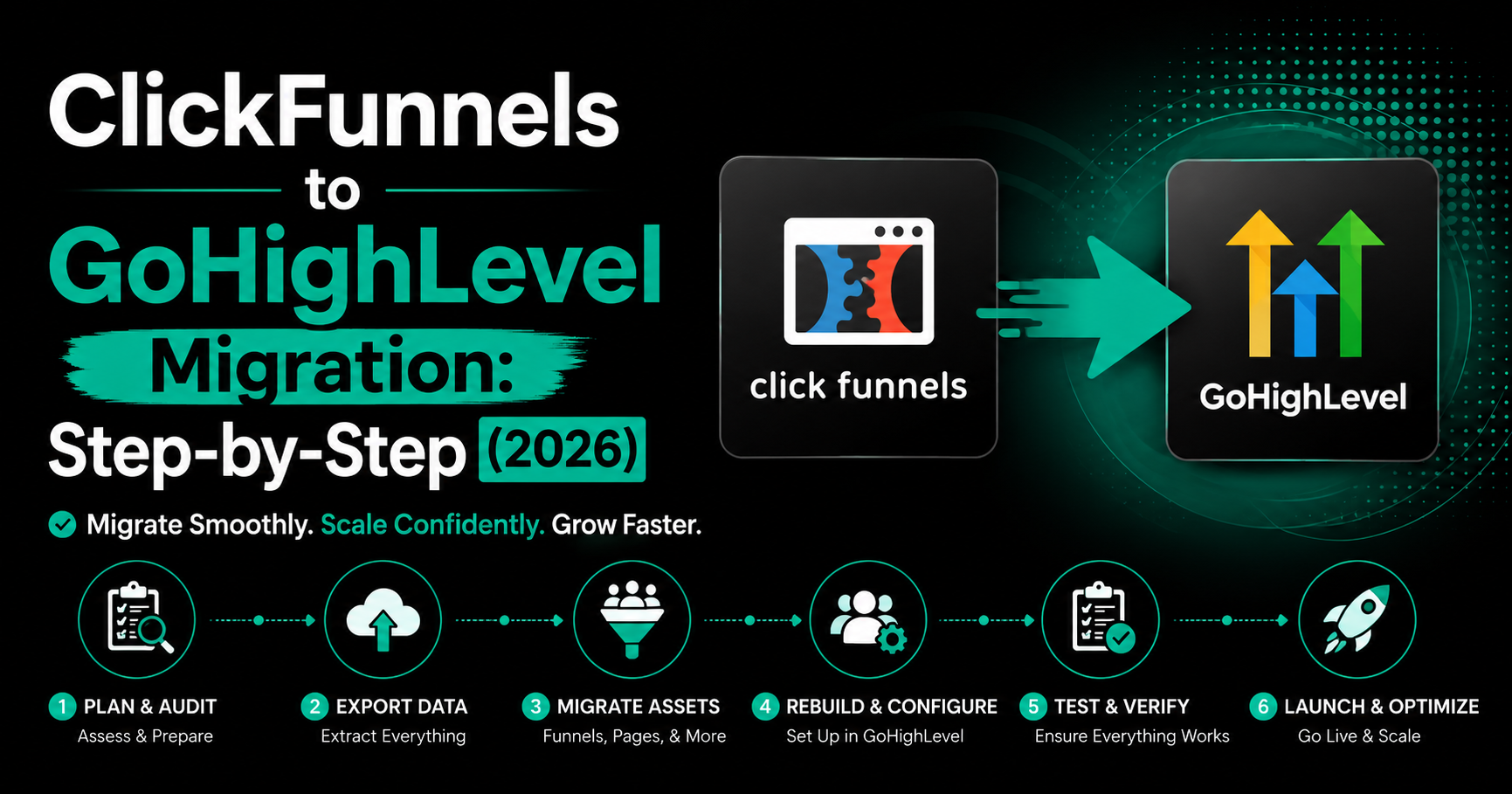
ClickFunnels to GoHighLevel Migration: Step-by-Step (2026)
To migrate from ClickFunnels to GoHighLevel, first audit every funnel, contact, automation, and integration in ClickFunnels. Then export contacts to CSV, import them into GoHighLevel, and use GoHighLevel’s built-in URL importer (Sites → Funnels → Add Step) to copy each live ClickFunnels page automatically. Rebuild automations and email sequences inside GoHighLevel workflows, reconnect Stripe, run both platforms in parallel for 7 to 14 days, then switch your domain. A typical migration takes 1 to 2 weeks DIY or 3 to 5 weeks done-for-you, with zero downtime if executed correctly.
Migrating from ClickFunnels to GoHighLevel is one of the most common moves we see in 2026 — usually because users have outgrown what ClickFunnels offers. ClickFunnels is excellent at building funnels. GoHighLevel does that plus CRM, two-way SMS, email automation, AI calls, scheduling, and white-label resale, often at a lower total monthly cost.
The migration itself isn’t complicated, but it has real failure modes. Skipping the audit phase, missing a Stripe reconnection, or breaking a live checkout URL can cost more than the migration saves. This guide walks you through the entire process, what migrates automatically, what has to be rebuilt, and the four mistakes that cause the most pain.
Everything below reflects GoHighLevel’s official 2026 migration documentation and real implementation experience.
Migration shortcut: Our free 50 GoHighLevel Workflow Templates pack includes pre-built versions of the most common ClickFunnels automations — order bumps, upsell sequences, abandoned-cart, and post-purchase — ready to import once your account is live. [Download free →]
What Migrates From ClickFunnels to GoHighLevel (and What Doesn’t)
The single biggest cause of botched migrations is assuming everything moves automatically. It doesn’t. Here’s the honest breakdown.
| Asset | Migrates? | How |
| Contacts (leads & customers) | Yes | CSV export from ClickFunnels, CSV import to GoHighLevel with field mapping |
| Funnel page design & layout | Yes (mostly) | GoHighLevel native URL importer copies page elements. Minor spacing/font tweaks usually needed. |
| Forms and form fields | Mostly | Imported with the funnel but fields must be re-mapped to GoHighLevel custom fields |
| Email sequences & broadcasts | No | Must be rebuilt as workflows or email campaigns inside GoHighLevel |
| Automations & follow-ups | No | Rebuild from scratch as GoHighLevel workflows |
| Stripe products & subscriptions | Partial | Stripe reconnects to GoHighLevel; products must be recreated and linked |
| Membership / course content | No | Rebuild course structure in GoHighLevel Memberships |
| Custom CSS / JavaScript | No | Re-add manually in GoHighLevel’s custom code blocks |
| Webhooks & third-party integrations | No | Recreate inside GoHighLevel or rewire via Zapier/Make.com |
| Order bumps & upsells | No | Recreate in GoHighLevel’s 1-click upsell module |
In short: pages and contacts move. Logic, automations, and commerce flows must be rebuilt. Plan for this from the start.
What You Need Before Starting the Migration
Set these up before you touch anything in either account. Migrations that fail are almost always missing one of these.
Critical: Do NOT cancel your ClickFunnels subscription until your GoHighLevel build is fully tested, your domain is switched, and you’ve confirmed at least 48 hours of clean traffic on the new platform. Run both in parallel — the small extra month of subscription fees is the cheapest insurance you’ll buy.
How to Migrate From ClickFunnels to GoHighLevel (Step-by-Step)
Follow these six phases in order. Skipping any of them is how migrations go sideways.
Phase 1: Audit Your ClickFunnels Account (Day 1)
Open a spreadsheet and document everything before moving a single asset. List every funnel by name, URL, and purpose. List every automation and follow-up sequence. List every product, price, and Stripe SKU. List every webhook and third-party integration. List every domain and subdomain pointed at ClickFunnels.
This audit is the difference between a clean migration and a month of finding broken things one by one.
Phase 2: Export Your Contacts (Day 1-2)
In ClickFunnels, navigate to the Contacts section. Select your full date range from the dashboard, then click Download. You’ll get a CSV with all contact data.
Before importing, clean the CSV: remove obvious duplicates, fix bounced email addresses, normalize phone number formats (use the +1 E.164 format for U.S. numbers), and decide which tags and custom fields are actually worth bringing over. Cleaning now prevents the chaos of cleaning later inside GoHighLevel.
Phase 3: Import Contacts Into GoHighLevel (Day 2)
In your GoHighLevel sub-account, click Contacts in the left sidebar, then click the upload icon. Upload your cleaned CSV, then map each ClickFunnels field to a GoHighLevel field — first name, last name, email, phone, plus any custom fields you’re keeping.
Import in logical batches if you have more than a few thousand contacts. For example, import all buyers first (so they enter a different workflow than leads), then import the remaining leads.
Read this: How to Build a GoHighLevel Workflow From Scratch (2026)
Phase 4: Import Funnels Using the URL Importer (Day 3-7)
This is where GoHighLevel’s biggest migration advantage shows up. The native URL importer works for both ClickFunnels 1.0 and 2.0 — it copies page elements directly from your live funnel pages.
Inside GoHighLevel:
- Go to Sites in the left sidebar, then click the Funnels tab
- Click + New Funnel and name it the same as your ClickFunnels funnel for clarity
- Click + Add New Step, name the page, and enter the URL path
- Paste the LIVE published URL from ClickFunnels (not the share link)
- Click Create Funnel Step — GoHighLevel will copy the page elements
- Repeat for every step in the funnel
Once imported, open each page in the GoHighLevel editor and check it. You’ll typically need to adjust spacing or fonts, re-map form fields to GoHighLevel custom fields, and verify that any button links point to the correct next step in your new funnel.
Read this: GoHighLevel for Gyms & Fitness Centers: High-Engagement Automation Guide
Phase 5: Rebuild Automations and Reconnect Stripe (Day 7-12)
Now the work that has to be done by hand. Open your audit spreadsheet and rebuild each ClickFunnels automation as a GoHighLevel workflow.
For each ClickFunnels follow-up sequence:
- Recreate the trigger (form submission, purchase, tag added)
- Rebuild each email as a workflow Send Email action with appropriate wait steps
- Add the SMS, tag, and pipeline actions that ClickFunnels didn’t support natively (these are upgrades you’re getting from the move)
Reconnect Stripe under Settings → Integrations → Payments. Recreate each product and link it to the correct funnel step. Test a $1 transaction end-to-end before going live.
Phase 6: Parallel Run and Domain Switch (Day 12-14)
Run both platforms simultaneously for at least 7 days. Use the GoHighLevel preview URL for testing — don’t switch your domain yet. Send a test purchase through every funnel. Test every email automation. Watch the contact timeline to confirm tags and stages fire correctly.
Once everything tests clean, switch your DNS. Point the domain to GoHighLevel (Sites → Domains → Add Domain → follow the DNS instructions). For external links to specific ClickFunnels URLs, set up 301 redirects to preserve any SEO equity and ad clicks.
Wait 48 hours, monitor traffic and revenue, then cancel ClickFunnels.
Expert Tip: Migrate one funnel at a time, not all at once. Pick your lowest-traffic funnel first, run it end-to-end on GoHighLevel for a week, then migrate the next one. This pattern catches platform quirks on a funnel where mistakes cost the least — instead of discovering them on your money funnel. — Nina B. Paul, Lead Automation Strategist, GHLWorkflow
How Long Does Migration Take and What Does It Cost?
Two paths. Both are valid, depending on your situation.
DIY Migration
- Time: 1 to 2 weeks for a small account (3-5 funnels, basic automations)
- Cost: Just the platform subscription overlap during the parallel run (about $97-$497 extra for one month)
- Best for: Accounts with simple funnels, comfortable technical setup, no live revenue at risk
Done-For-You Migration
- Time: 3 to 5 weeks (includes audit, rebuild, testing, and training)
- Cost: $2,500 to $7,500 fixed depending on scope
- Best for: Accounts with active revenue, multiple funnels, courses or memberships, complex integrations
Active revenue is the deciding factor. If your funnels are generating sales daily, a missed Stripe reconnection or a broken checkout page during DIY migration costs far more than the migration fee. For accounts under load, done-for-you almost always pays for itself in the first week.
Want zero risk to your live revenue? We migrate ClickFunnels accounts to GoHighLevel with full parallel testing — funnels, contacts, automations, Stripe, courses, all rebuilt and tested before launch. Fixed price, typically 3-5 weeks, zero downtime guaranteed. [Book a free migration assessment →]
4 Migration Mistakes That Cost the Most Money
1. Canceling ClickFunnels Too Early
The single most common — and costly — mistake. The migration looks done, the new funnels work in testing, ClickFunnels gets canceled, and a week later an obscure automation breaks. Without ClickFunnels access, you can’t even see what it used to do. Keep the subscription for at least 30 days after switching domains.
2. Skipping the Audit Phase
Diving straight into ‘just importing funnels’ guarantees you’ll miss something — usually a webhook that fires an internal Slack notification, or an automation that re-engages cold buyers after 90 days. By the time you notice, your nurture is broken and people are slipping through. Audit first.
3. Reusing the Share Link Instead of the Live URL
GoHighLevel’s URL importer requires the live, published page URL — not the ClickFunnels share-funnel link. Using the share link causes the import to fail silently or copy only the template, not your customized version.
4. Forgetting to Re-Map Form Fields
Imported forms work visually but the form fields point to ClickFunnels-named fields by default. Submissions appear to succeed but don’t populate your GoHighLevel contact records correctly. Open every imported form and re-map fields to GoHighLevel custom fields before going live.
Frequently Asked Questions
1. Can I migrate from ClickFunnels to GoHighLevel without losing data?
Yes. Contacts migrate cleanly via CSV export and import. Funnels can be copied using GoHighLevel’s native URL importer, which works for both ClickFunnels 1.0 and 2.0. Automations and email sequences must be rebuilt because the platforms structure them differently.
2. How long does ClickFunnels to GoHighLevel migration take?
A self-migration of a small account with 3 to 5 funnels takes 1 to 2 weeks. A professional migration with full automation, Stripe, and email rebuilding typically takes 3 to 5 weeks. Both platforms can run in parallel to ensure zero downtime.
3. Does GoHighLevel have a ClickFunnels importer?
Yes. GoHighLevel has a built-in URL importer for ClickFunnels funnels. Inside your GoHighLevel sub-account, go to Sites then Funnels, create a new funnel step, and paste the live ClickFunnels page URL. The importer copies the page elements automatically.
4. What does not migrate from ClickFunnels to GoHighLevel?
Automations, email sequences, membership content structure, custom code, and Stripe connections do not migrate automatically. These must be rebuilt or reconnected inside GoHighLevel. Funnels and contacts migrate; logic does not.
5. Will my ClickFunnels URLs break after migration?
Once you point your domain to GoHighLevel, the old ClickFunnels URLs stop resolving. Use the same URL paths in your new GoHighLevel funnels, or set up 301 redirects for any external links that point to ClickFunnels page paths.
6. Should I migrate myself or hire a specialist?
If you have 1 to 3 funnels and no active sales running through them, DIY is reasonable. For accounts with active revenue, multiple funnels, courses, or memberships, hire a specialist. A botched migration that breaks live checkout pages costs far more than the migration fee.
Next Steps: Migrate Without Losing Sleep (or Sales)
Migrating from ClickFunnels to GoHighLevel is straightforward — but only if you respect the parts that don’t migrate automatically. The contacts and pages are the easy half. The automations, Stripe products, and integrations are the half that, when skipped, cause real damage.
If you have live revenue running through your funnels, the safest path is a structured migration with parallel testing. If you’re a smaller operator with simple funnels, the DIY path above will get you there in two weeks.
Book your free migration assessment: We’ll audit your ClickFunnels account, identify what migrates automatically and what needs rebuilding, and give you a fixed-price quote with a parallel-test timeline. No pressure. [Schedule your call →]