How to Set Up Two-Way SMS in GoHighLevel (2026 Guide)
To set up two-way SMS in GoHighLevel, buy a phone number in Settings → Phone Numbers, register your business brand and campaign through the A2P 10DLC Trust Center, wait 1 to 3 weeks for carrier approval, assign your number to the approved campaign, then test a send-and-reply in the Conversations inbox. SMS open rates average 98 percent — but skipping A2P registration will get your messages blocked.
Two-way SMS is the highest-attention marketing channel you can run from GoHighLevel. SMS open rates average 98 percent compared to 20 to 25 percent for email. The problem is that setting it up correctly in 2026 means more than buying a number — U.S. carriers now require A2P 10DLC registration for every business that sends SMS, and unregistered messages are filtered or blocked outright.
This guide walks you through the entire process: buying a number, registering with A2P 10DLC, configuring two-way replies, and avoiding the four compliance mistakes that get GoHighLevel numbers suspended. By the end, you’ll have a compliant, working two-way SMS system that lands in inboxes instead of carrier spam folders.
Save time: Grab our free 50 GoHighLevel Workflow Templates pack — includes ready-to-import SMS workflows for missed-call text-back, appointment reminders, and review requests. [Download free →]
What Is Two-Way SMS in GoHighLevel?
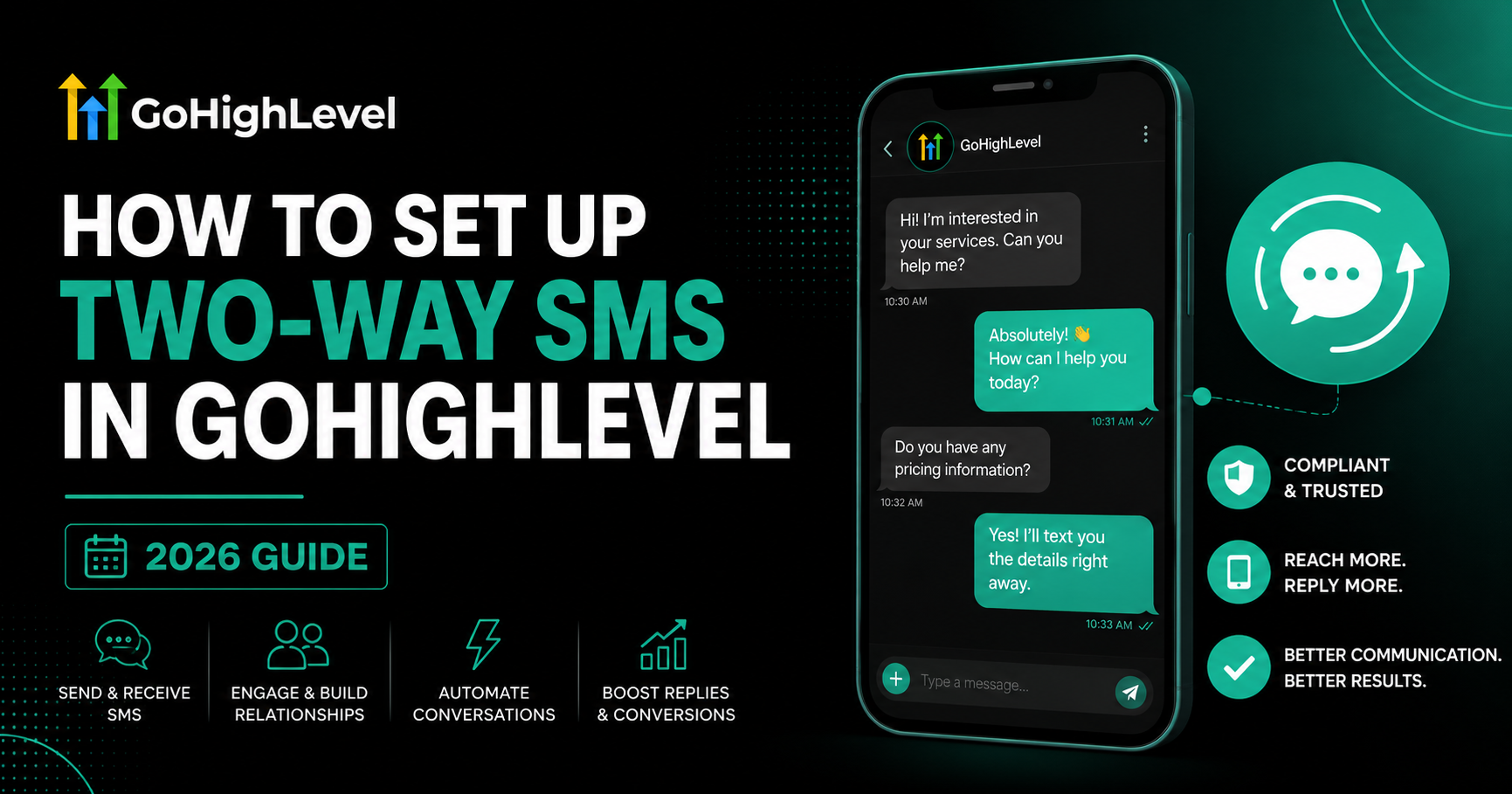
Two-way SMS in GoHighLevel means your business phone number can both send outbound text messages and receive inbound replies. Every text — sent and received — appears in the unified Conversations inbox, alongside email, web chat, Facebook DMs, Instagram DMs, and WhatsApp messages. Your team sees one timeline per contact across every channel.
This is different from broadcast-only SMS tools that can blast messages but can’t accept replies. With true two-way SMS, a contact texting back triggers tags, workflows, and notifications — turning every reply into a sales conversation or an automation step.
Read this: How to Build a GoHighLevel Workflow From Scratch (2026)
What You Need Before You Start
Get these four things in order before opening the SMS setup screens. Trying to set up SMS without them is the most common reason new users get stuck for days.
Important: Never default any SMS consent checkbox to ‘Checked.’ Your form cannot require both a phone number AND consent to submit — the user must be able to submit without agreeing to SMS. Pre-checked or forced consent boxes are the #1 reason A2P campaigns get rejected.
How to Set Up Two-Way SMS in GoHighLevel (Step-by-Step)
Follow these eight steps in order. Steps 1 to 4 take about 30 minutes of active work; steps 5 to 7 involve waiting on carrier approval, which is unavoidable.
Buy a Phone Number
Inside your sub-account, go to Settings → Phone Numbers and click Add Number. Pick a local U.S. area code that matches your business location — local numbers have higher answer rates than toll-free. Complete the purchase. The number is billed monthly through your sub-account wallet.
Open the Trust Center
Go to Settings → Phone System → Trust Center. This is the hub for all A2P 10DLC registration. Click Brands and Campaigns to begin.
Register Your Brand
Click Start Registration under A2P Messaging (SMS) and select United States or Canada. You’ll be asked whether your business has a tax ID. For most LLCs and corporations, select Yes and proceed with Standard Brand Registration. Sole proprietors with no EIN can select No and use the Sole Proprietor flow, but throughput will be lower.
Fill in:
Confirm your identity via the OTP verification email. The Fast Track option costs about $3 extra and approves the brand in around 3 business days instead of the standard 5 to 7.
Submit Your Campaign
Once your brand is approved, HighLevel automatically submits the associated campaign for review. You don’t need to manually submit it. The system asks for:
Campaign approval takes another 3 to 14 business days. You’ll get an email when it’s approved.
Wait Strategically
This is where most agencies waste a week. While you wait for approval, use the time to: build your SMS workflows in the automation builder, draft your opt-in confirmations, write your standard reply templates, and set up your missed-call text-back. Do not send any SMS yet — including ‘test’ sends to your own phone, since some traffic still routes through carrier filters during pending status.
Assign Your Number to the Approved Campaign
Once both brand and campaign show Approved status in the Trust Center, link your purchased number to the campaign. This is the step most users forget — even with approval, an unlinked number can’t send compliant traffic. Go to Phone Numbers, click your number, and select the approved campaign from the dropdown.
Configure Two-Way Reply Handling
In Settings → Phone Numbers → click your number → Configure. Make sure ‘Enable two-way conversation’ is on. Set the default behavior for inbound replies (route to a specific user, round-robin a team, or assign based on tags). Replies will appear in Conversations within seconds of being sent.
Test Send-and-Reply
From the Conversations inbox, open a test contact, send an outbound SMS. Reply from the actual phone. Confirm the reply appears in the Conversations thread within 5 to 10 seconds. If it doesn’t appear, see the troubleshooting section below.
Expert Tip: Start your A2P registration the same day you sign up for GoHighLevel — even before you’ve finished building anything else. The 1 to 3 week wait is the single longest delay in any new GHL build, and it cannot be parallelized. Every day you delay starting is a day your SMS launch slips. — Nina B. Paul, Lead Automation Strategist, GHLWorkflow
How Much Does Two-Way SMS Cost in GoHighLevel?
There are three cost layers, all separate from your monthly GoHighLevel plan fee.
| Cost Type | Amount (2026) | Notes |
| Phone number | About $2 per month | Billed to sub-account wallet |
| Outbound SMS | About $0.0079 per segment | 1 segment = 160 characters |
| Inbound SMS | About $0.0079 per segment | U.S. domestic |
| A2P brand registration | $24.50 one-time | Includes $3 Fast Track fee |
| A2P campaign | Up to $11 per month | Per campaign type |
| Carrier surcharges | Variable | Pass-through from carriers |
For agencies reselling to clients: pass costs through at cost, or apply a 20 to 30 percent markup as part of your monthly retainer. Most agencies bundle SMS into a flat monthly fee rather than billing per-message.
Want this configured for you? We handle A2P registration, compliance, opt-in form setup, and two-way SMS configuration as part of our GoHighLevel setup service — typically live in under 3 weeks with full compliance documentation. [Book a free strategy call →]
4 Common Two-Way SMS Mistakes That Get Numbers Suspended
Sending Before Approval
Sending any A2P traffic before your brand and campaign are both Approved can flag your account. Wait. Use the time to build workflows instead.
Forced or Pre-Checked Consent
If your form requires both a phone number and SMS consent to submit, your A2P campaign will be rejected. Consent must be optional and separately checked for marketing vs. non-marketing.
Mismatched Business Name
If your brand registration says ‘Smith Marketing LLC’ but your EIN says ‘Smith Marketing,’ you’ll be rejected. Use the exact spelling and punctuation from your IRS records.
Generic Use Case Descriptions
‘General marketing messages’ will be rejected. Be specific: ‘Appointment reminders for booked dental patients who provided consent via web form during booking.’ The more concrete, the faster approval.
Frequently Asked Questions
What is two-way SMS in GoHighLevel?
Two-way SMS in GoHighLevel means your business phone number can send outbound text messages and receive inbound replies. All inbound and outbound texts appear together in the unified Conversations inbox alongside email, chat, and DMs.
Do I need A2P 10DLC to send SMS from GoHighLevel?
Yes, if you send SMS to U.S. recipients. A2P 10DLC registration is mandatory. Without it, AT&T, Verizon, and T-Mobile filter or block your messages. Registration typically takes one to three weeks.
How much does two-way SMS cost in GoHighLevel?
Outbound and inbound SMS are billed at about $0.0079 per segment for U.S. domestic messages through LeadConnector Phone. A2P registration adds a one-time brand fee plus a monthly campaign fee that varies by use case.
Read this: GoHighLevel for Gyms & Fitness Centers: High-Engagement Automation Guide
Can I use my existing business number for two-way SMS in GoHighLevel?
Yes. You can port an existing number into LeadConnector Phone, but porting takes 2 to 4 weeks and your number cannot send or receive SMS during the transition. Most agencies buy a new tracking number instead.
What happens if I send SMS without A2P registration?
Unregistered traffic is filtered or blocked by U.S. carriers, your messages will not be delivered reliably, and your number can be flagged or shut down. Register before sending any production SMS.
How long does A2P 10DLC approval take in GoHighLevel?
Brand approval typically takes 1 to 3 business days. Campaign approval takes another 3 to 14 business days. The Fast Track option speeds brand approval to about 3 business days for an extra fee.
Next Steps: Get Compliant, Then Automate
Two-way SMS is the highest-leverage channel inside GoHighLevel — but only once you’re compliant. Start your A2P brand registration today, even if you’re not ready to send for two weeks. The waiting is unavoidable; the day you start it determines when you can launch.
Once your number is live, the first workflow to build is the missed-call text-back. It pays for the entire SMS setup in its first week. Pair it with the trigger-link automations from our guide on GoHighLevel trigger links to turn every reply into segmentation data.