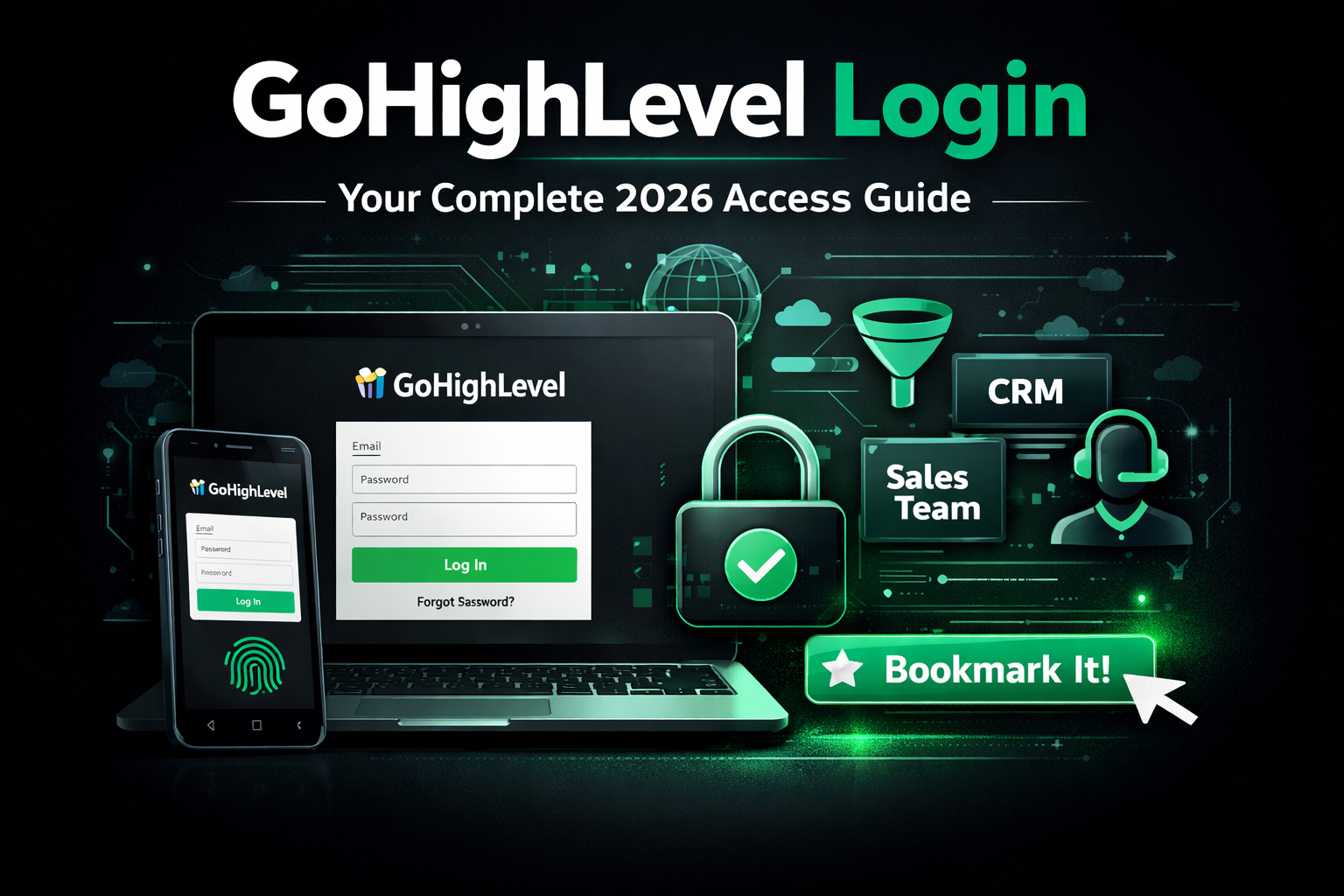
GoHighLevel Login: Direct Link + Login Troubleshooting Guide
GoHighLevel doesn’t have one universal login page the way some SaaS tools do — where you land depends on what kind of account you have. Most agencies and users should go to app.gohighlevel.com to sign in. If your agency uses a white-labeled version of GoHighLevel with a custom domain, your login page will be at that custom domain instead, not the standard app.gohighlevel.com URL — check with whoever set up your agency’s account if you’re not sure which applies to you.
This distinction is the single biggest source of “I can’t log in” confusion: people bookmark or search for the wrong URL, land on a login form that looks identical to the right one, and get an error that has nothing to do with their actual password.
Common GoHighLevel Login Problems and How to Fix Them
“Invalid Email or Password” Even Though You’re Sure It’s Correct
This is almost always one of two things: you’re logging into the wrong portal (see above), or you have an account under a different email than the one you’re trying. Agencies often have both an agency-level login and separate sub-account logins tied to different email addresses trying your personal email against a sub-account login (or vice versa) produces this exact error.
Fix: Use the “Forgot Password” flow to trigger a reset email to the address you’re trying if no reset email arrives, that email isn’t associated with an account on that portal, confirming you’re in the wrong place rather than using the wrong password.
Not Receiving the Password Reset Email
Reset emails can land in spam, or — more often — get blocked because the inbox filters aggressively on transactional email domains.
Fix: Check spam/junk first. If nothing arrives after a few minutes, confirm the email address itself is the one tied to the account (see #1) before assuming it’s a delivery issue.
Two-Factor Authentication (2FA) Code Not Arriving or Not Working
If your agency has 2FA enabled, a code sent by SMS or an authenticator app is required at login. Common failure points are an outdated authenticator app time sync, or an SMS code arriving late due to carrier delay.
Fix: For authenticator app issues, most apps have a time-sync setting that resolves codes being rejected. For SMS delays, wait for the next code cycle rather than repeatedly requesting new codes, which can trigger a temporary rate limit.
Logged In, But Can’t See the Right Sub-Account
This isn’t technically a login failure, but it’s often reported as one. If you manage multiple client sub-accounts, logging in successfully at the agency level doesn’t automatically drop you into a specific sub-account — you have to select it from the agency dashboard.
Fix: After logging in, use the sub-account switcher (usually top-left of the dashboard) rather than assuming you’re already inside the client account you need.
Session Keeps Logging You Out
Frequent, unexpected logouts are usually caused by browser extensions (ad blockers or privacy extensions interfering with session cookies), or multiple tabs/devices logged in simultaneously under strict session settings.
Fix: Try an incognito/private window with extensions disabled to isolate whether an extension is the cause before assuming it’s an account-level problem.
Locked Out After Too Many Failed Attempts
Repeated failed logins (often from trying the wrong portal or an old saved password) can trigger a temporary lockout as a security measure.
Fix: Wait the lockout period rather than continuing to retry, which can extend it, and use the password reset flow instead of guessing further.
Don’t Have a GoHighLevel Account Yet?
If you’re trying to log in but don’t actually have an account, you’re looking for account creation, not troubleshooting. See our guide on how to get a free GoHighLevel account to get set up correctly the first time, which also avoids several of the portal-confusion issues above before they start.
Which Plan Determines What You Can Access After Login
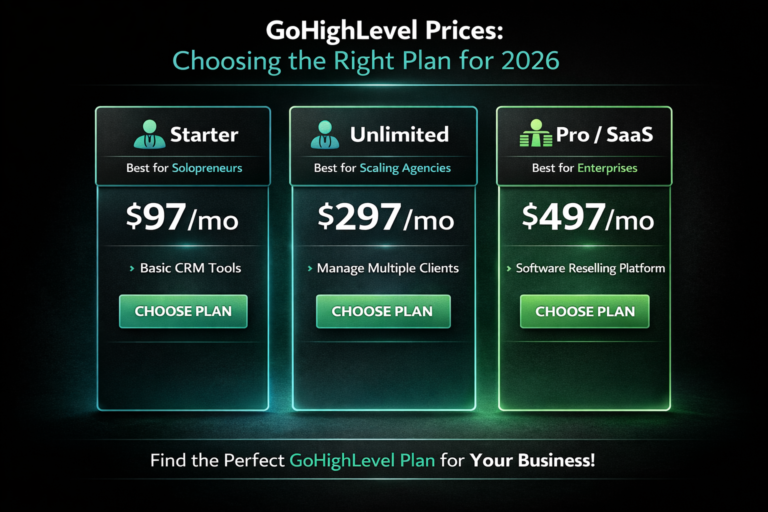
Login problems are sometimes actually plan/permission issues in disguise — a user account that exists but doesn’t have access to a feature can look like a login error depending on how the error surfaces. If something looks locked or missing right after you log in successfully, check it against your current plan in our GoHighLevel pricing guide before troubleshooting it as an access bug.
Frequently Asked Questions
What is the GoHighLevel login URL?
Most users and agencies log in at app.gohighlevel.com. If your agency uses white-labeling with a custom domain, your login page will be at that custom domain instead.
Why does GoHighLevel say my email or password is invalid when I’m sure they’re correct?
This usually means you’re logging into the wrong portal (agency-level vs. a specific sub-account) or using an email address that isn’t associated with an account on that particular login page.
I’m not receiving my GoHighLevel password reset email — what do I do?
Check spam/junk first. If it still doesn’t arrive after a few minutes, the email address you’re using likely isn’t tied to an account on that login page — try the account creation flow instead to check.
Why does GoHighLevel keep logging me out?
This is commonly caused by browser extensions interfering with session cookies, or session limits triggered by being logged in on multiple devices or tabs at once. Try an incognito window with extensions disabled to isolate the cause.
Can I log in to a client’s GoHighLevel sub-account directly?
Yes — agency-level users log in once at the agency dashboard, then use the sub-account switcher to move into a specific client’s account rather than logging in separately for each one.