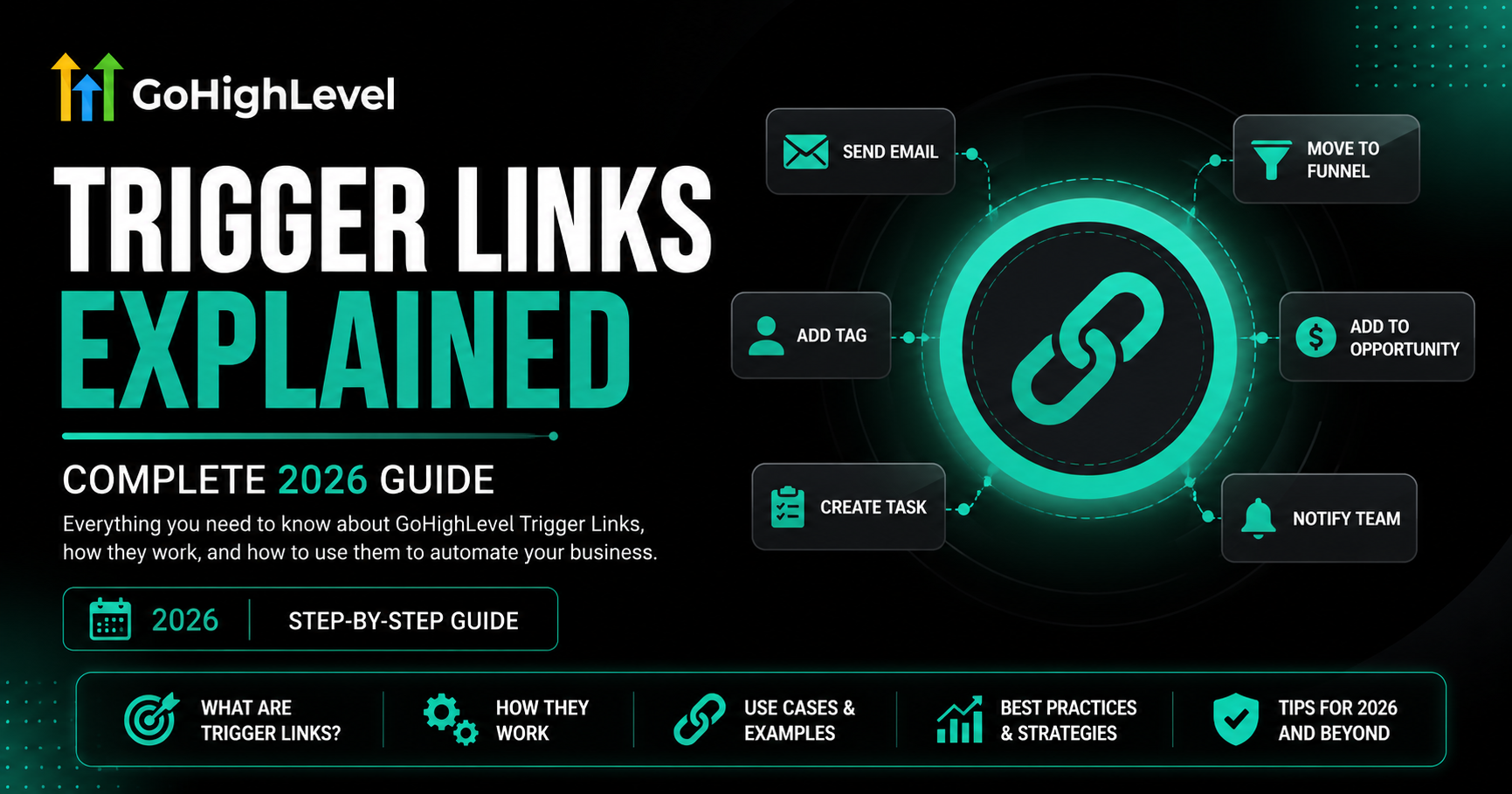
GoHighLevel Trigger Links Explained: Complete 2026 Guide
A GoHighLevel trigger link is a trackable URL that sends a contact to a web page while also firing a background action — like adding a tag, starting a workflow, or unsubscribing them. To create one, go to Marketing → Trigger Links, click Add Link, name it, paste the destination URL, and save. You then drop the link into an SMS or email, and react to clicks inside a workflow. Trigger links work in SMS, Email, Google Business Profile, and Facebook, Instagram, and WhatsApp DMs.
Most GoHighLevel users treat links like dead ends — a contact clicks, lands on a page, and that’s the end of the story. Trigger links flip that. With a trigger link, the click itself becomes data and an action: you can tag the contact, segment them, fire an entire follow-up sequence, or unsubscribe them, all from one tap on their phone.
This guide explains exactly what GoHighLevel trigger links are, how they differ from regular links, where you can use them, and how to set one up step by step. You’ll also get five real use cases our team builds for clients and the common mistakes that make trigger links silently fail.
What Is a Trigger Link in GoHighLevel?
A trigger link in GoHighLevel is a trackable URL that does two things at once: it sends the contact to a destination page, and it performs a background action the moment they click. To the contact, it looks and behaves like any normal link. Behind the scenes, GoHighLevel records the click on the contact’s activity timeline and can use that click to start or advance an automation.
Think of it as a link with a job. A regular link’s only job is to open a page. A trigger link’s job is to open a page and tell your CRM what the click means — that this person is interested in pricing, wants to unsubscribe, or is ready to book.
Read this: How to Build a GoHighLevel Workflow From Scratch (2026)
Trigger Link vs Regular Link: What’s the Difference?
| Capability | Regular Link | Trigger Link |
| Opens a destination page | Yes | Yes |
| Records the click on contact timeline | No | Yes |
| Can add or remove a tag on click | No | Yes |
| Can start or advance a workflow | No | Yes |
| Can unsubscribe a contact by channel | No | Yes |
| Reusable across SMS, email, and DMs | Yes | Yes |
In short: every trigger link can do everything a regular link does, plus react. That’s why experienced GHL builders use trigger links for any link that goes out inside a message.
Where Can You Use GoHighLevel Trigger Links?
According to GoHighLevel’s own documentation, trigger links are supported in four channel types only. Knowing this up front saves hours of confusion when a link won’t fire.
Important: Trigger links do NOT work as buttons on funnel pages or website pages. If you need to track a click on a landing page, use a different method (like a form submission or a page-visit trigger). This is the single most common misconception we see from new users.
How to Create a Trigger Link in GoHighLevel (Step-by-Step)
Setting up a trigger link takes under two minutes. Follow these five steps inside your sub-account.
Open the Trigger Links Menu
From the left-hand sidebar, click Marketing, then select Trigger Links. This screen lists every trigger link in the sub-account along with click stats.
Click Add Link
In the top-right corner, click the Add Link button to open the creation panel.
Name the Link Descriptively
Use a naming convention so you can find the link later in reports and workflow triggers. We recommend [Campaign] – [Purpose] – [Placement]. For example:
Spring Promo – Pricing Page – SMS CTA
Enter the Destination URL
Paste the page you want the contact to land on — a sales page, booking calendar, checkout, or resource download. This can be any existing URL, on your site or off it.
Save and Insert
Click Save. GoHighLevel generates a unique trackable link. To use it, open an SMS or email step, select the text, button, or image that should be clickable, choose the Trigger Link option instead of a normal URL, and pick your saved link from the dropdown.
Expert Tip: Create your trigger links BEFORE you build the workflow that reacts to them. The ‘Trigger Link Clicked’ trigger and the ‘Wait for Trigger Link Click’ step both pull from a dropdown of existing links — if the link doesn’t exist yet, you’ll break your build flow and forget to come back. — Nina B. Paul, Lead Automation Strategist, GHLWorkflow
How to React to a Trigger Link Click Inside a Workflow
Creating the link is half the job. The power comes from reacting to the click. There are two ways to do this in GoHighLevel workflows.
The ‘Trigger Link Clicked’ Trigger
Use this when the click should start a brand-new workflow. Add a workflow trigger, choose Trigger Link Clicked, and select your link. Now any contact who clicks that link anywhere — in any campaign — enters this workflow. Perfect for global actions like unsubscribes or interest tagging.
The ‘Wait for Trigger Link Click’ Step
Use this inside an existing workflow when you want to branch based on whether someone clicks. After sending an SMS or email containing the link, add a Wait step set to Trigger Link Click. Set a timeout (for example, 3 days). If they click, they continue down the ‘clicked’ path; if the timeout passes, they go down the ‘didn’t click’ path.
5 Powerful Trigger Link Use Cases You Can Build Today
Here are the five trigger-link automations our team builds most often for clients, from simplest to most advanced.
One-Click Channel-Specific Unsubscribe
Create an ‘Unsubscribe from SMS’ trigger link that removes SMS consent on click, and a separate ‘Unsubscribe from Email’ link. This keeps you compliant and lets contacts opt out of one channel without losing them on all channels.
Interest-Based Lead Segmentation
Send a broadcast with three trigger links: ‘Show me pricing,’ ‘Watch a demo,’ ‘Talk to a human.’ Each link tags the contact with their interest and fires a tailored follow-up. By the time your team calls, you already know what they care about.
Post-Appointment Feedback Routing
After a call, text a ‘How did it go?’ message with two trigger links. ‘Everything went great’ fires a review-request workflow. ‘I still have questions’ notifies your team and sends a clarification sequence. Human-feeling follow-up with zero manual check-ins.
Hot-Lead Sales Notification
Put a trigger link on your pricing or booking page link inside a nurture email. When a cold lead suddenly clicks it, fire an internal notification to your sales rep: ‘Sarah just viewed pricing — call her now.’ Click-to-call timing is everything.
Read this: GoHighLevel for Gyms & Fitness Centers: High-Engagement Automation Guide
Webinar / Event RSVP Automation
Use a trigger link as the RSVP button in an invite. The click confirms attendance, adds an ‘Event Registered’ tag, and starts the reminder sequence — all without a separate registration form.
Want these automations built and tested for you? Our team designs trigger-link segmentation, unsubscribe compliance, and hot-lead routing as part of our GoHighLevel automation service — delivered in 7–14 days with a fixed quote. [Book a free strategy call →]
Common Trigger Link Mistakes (and How to Fix Them)
Using a Trigger Link on a Funnel Page
Trigger links only fire from SMS, email, GMB, and DMs. Dropping one as a button on a funnel page won’t track or trigger. Use a page-visit trigger or form instead.
Forgetting to Set a Wait Timeout
A ‘Wait for Trigger Link Click’ step with no timeout leaves contacts stuck forever if they never click. Always set a timeout with a fallback path.
Reusing One Link for Multiple Purposes
If the same trigger link means ‘interested in pricing’ in one campaign and ‘wants a demo’ in another, your tagging logic collapses. Create a separate, clearly named link per intent.
Not Naming Links Clearly
Six months in, a list of links named ‘Link 1, Link 2, Link 3’ is useless. Name every link by campaign, purpose, and placement from day one.
Frequently Asked Questions
What is a trigger link in GoHighLevel?
A GoHighLevel trigger link is a trackable URL that sends a contact to a web page while also firing a background action, such as adding a tag, starting a workflow, or unsubscribing the contact. It looks like a normal link but doubles as an automation trigger.
Where can I use GoHighLevel trigger links?
Trigger links work in SMS, Email, Google Business Profile messages, and Facebook, Instagram, and WhatsApp DMs. They are not supported as buttons on funnel pages or website pages.
How do I create a trigger link in GoHighLevel?
Go to Marketing then Trigger Links in your sub-account, click Add Link, give it a descriptive name, paste the destination URL, and save. GoHighLevel generates a unique trackable link you can insert into emails and SMS.
What is the difference between a trigger link and a regular link?
A regular link only sends the contact to a page. A trigger link sends them to the page and simultaneously performs a background action and records the click on the contact timeline, which can start or advance a workflow.
Can trigger links be used to unsubscribe contacts?
Yes. You can create a trigger link that removes SMS or email consent when clicked, giving contacts a one-click, channel-specific unsubscribe option that keeps you compliant.
Do GoHighLevel trigger links track clicks?
Yes. Every click is recorded on the contact activity timeline and can be used inside workflows with the Trigger Link Clicked trigger or the Wait for Trigger Link Click step.
Next Steps: Turn Every Click Into an Action
Trigger links are one of the fastest wins in GoHighLevel: two minutes to set up, and they instantly turn passive clicks into segmentation, automation, and sales signals. Start with the one-click unsubscribe link — it makes you more compliant today — then build interest-based segmentation into your next broadcast.
Once you’re comfortable, pair trigger links with the workflow skills from our guide on how to build a GoHighLevel workflow from scratch, and you’ll have a CRM that reacts to your contacts in real time.