GoHighLevel Webhooks: How to Connect GHL to Any Third-Party App
In the world of automation, flexibility is king. While GoHighLevel (GHL) offers a massive suite of native tools, there are times when you need to send data to an external application—like a custom shipping platform, a specialized accounting software, or even a proprietary AI engine.
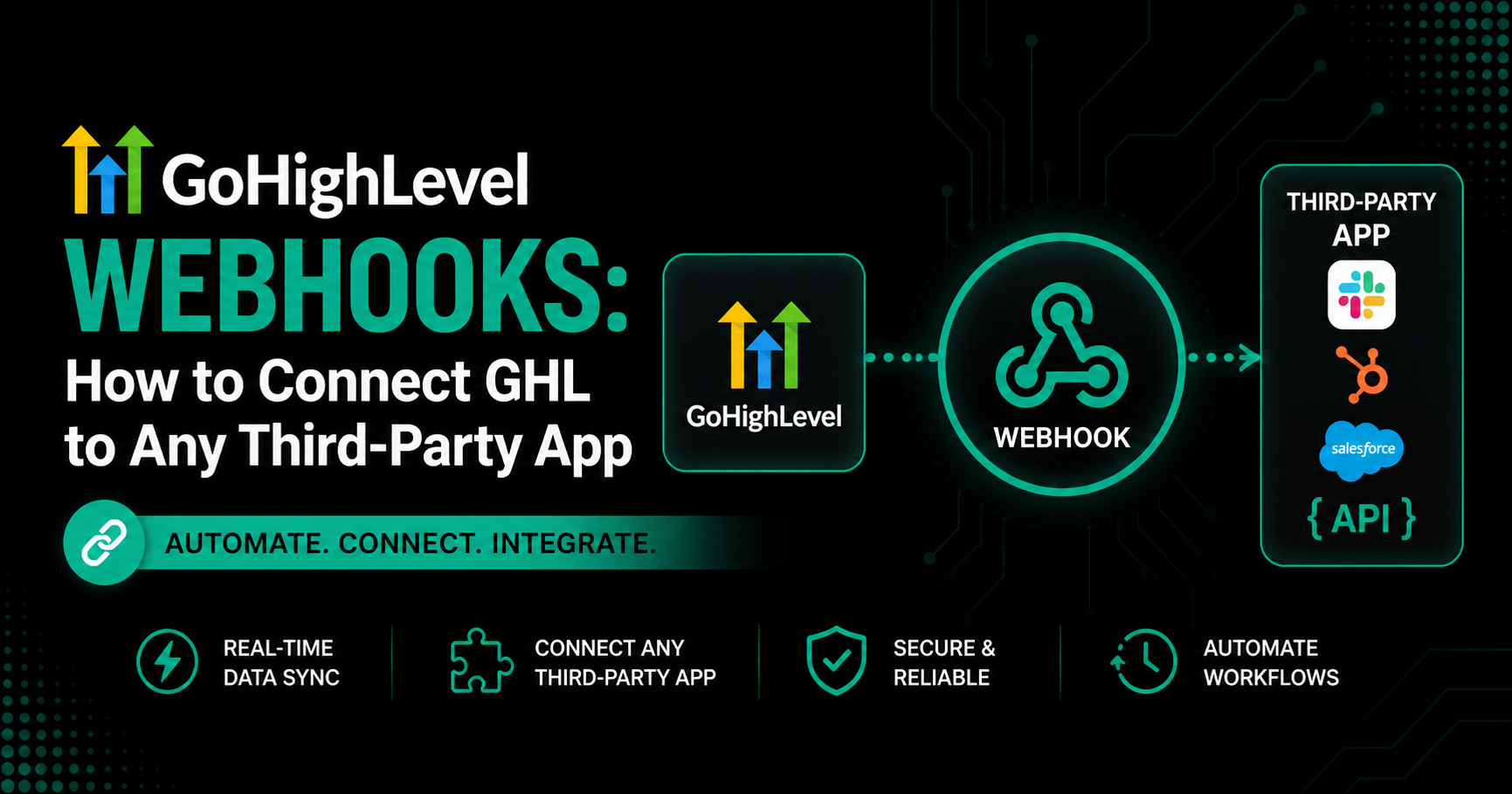
This is where GoHighLevel Webhooks come into play. Webhooks are the “hooks” that allow GHL to speak to the rest of the internet in real-time. Instead of waiting for a manual export or a scheduled sync, webhooks “push” data the moment an event occurs.
At GHLWorkflow, we specialize in using these data bridges to build custom API integrations that go far beyond standard “Zaps.”
What is a Webhook? (The “Mailbox” Analogy)
Think of a standard API call like calling a store to ask if they have a product in stock. You have to initiate the call.
A Webhook, however, is like leaving your address with the store and telling them, “When the product arrives, just mail it to me.” GHL (the store) automatically sends the package (data) to your URL (the mailbox) as soon as the trigger is met.
How to Set Up a Webhook in GHL Workflows
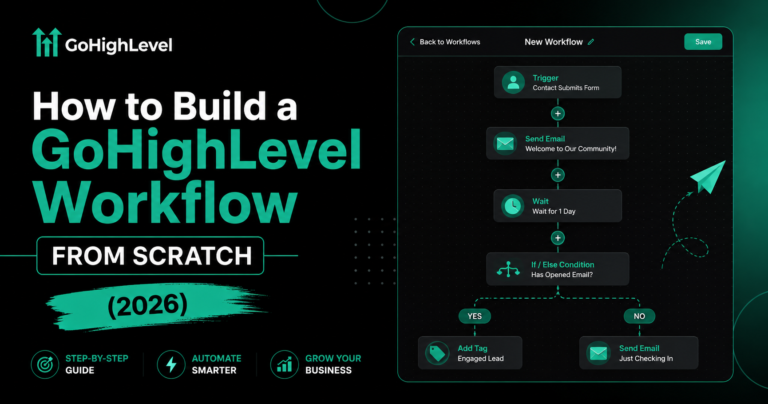
Setting up a webhook is one of the most straightforward yet powerful actions in the workflow builder.
High-Value Use Cases for Webhooks in 2026
Deep Financial Integration
Send transaction data from a GHL checkout directly into QuickBooks or Xero for real-time bookkeeping. This is essential for maintaining a professional GHL SaaS Mode setup.
Custom Fulfillment & Shipping
Trigger a webhook to a fulfillment center (like ShipStation) the moment a physical product is purchased through a GHL funnel.
Advanced Data Attribution
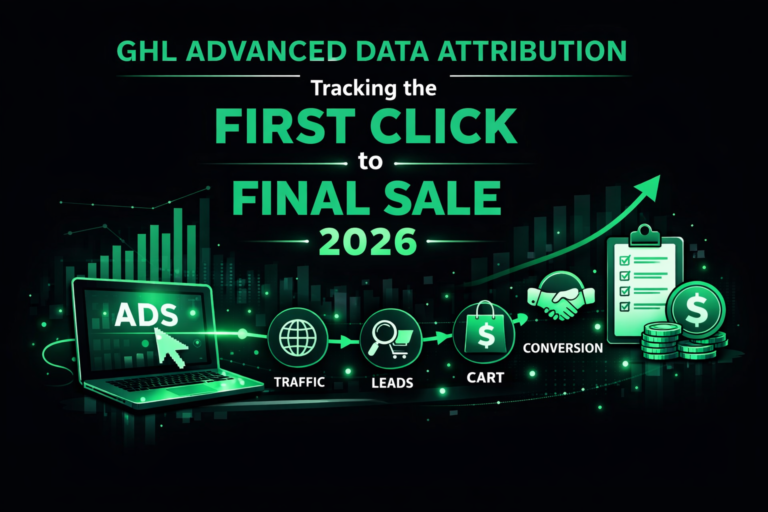
Push lead source data to an external GHL data attribution dashboard to see exactly which ad campaigns are driving the most profitable sales.
Powering AI Agents
Send lead replies to an external AI engine (like OpenAI or a custom LLM) via a webhook to generate a highly personalized, human-like response, then push that response back into GHL.
Webhooks vs. Zapier: Which Should You Use?
Many users wonder if they still need Zapier if GHL has native webhooks.
Troubleshooting Common Webhook Failures
If your webhook isn’t firing or the data isn’t arriving, check these three factors:
- SSL Certificates: Ensure your destination URL starts with
https://. GHL will often block unencryptedhttprequests for security. - Timeout Errors: If the receiving server takes more than a few seconds to respond, GHL may “drop” the request.
- Payload Format: Ensure the receiving app is prepared to accept “JSON” data, which is the standard format GHL uses.
Frequently Asked Questions (FAQ)
Can I send custom fields via webhooks?
Yes. GoHighLevel automatically includes all standard and custom fields in the webhook payload, allowing for deep data synchronization.
Are GHL webhooks secure?
Yes. In 2026, GHL utilizes modern encryption for all webhook actions. For added security, you can use GHL API Integration to validate the source of the data.
Is there a limit to how many webhooks I can send?
GHL does not typically limit the number of webhooks, but your receiving app (like Zapier) may have task limits that you need to monitor.
Summary: Building a Connected Business
Webhooks are the key to breaking GoHighLevel out of its silo. By mastering this simple action, you can connect your CRM to virtually any tool on the planet, creating a truly unified business ecosystem.